From 73ec8e5efed9d8d97da630e13f3e8b20a119821f Mon Sep 17 00:00:00 2001 From: Alexander Bilz <mail@alexbilz.com> Date: Thu, 10 Feb 2022 12:14:45 +0000 Subject: [PATCH] chore: moved remaining instructions --- README.md | 24 ++++-------------------- 1 files changed, 4 insertions(+), 20 deletions(-) diff --git a/README.md b/README.md index 81eb956..bb1f590 100644 --- a/README.md +++ b/README.md @@ -6,14 +6,12 @@ 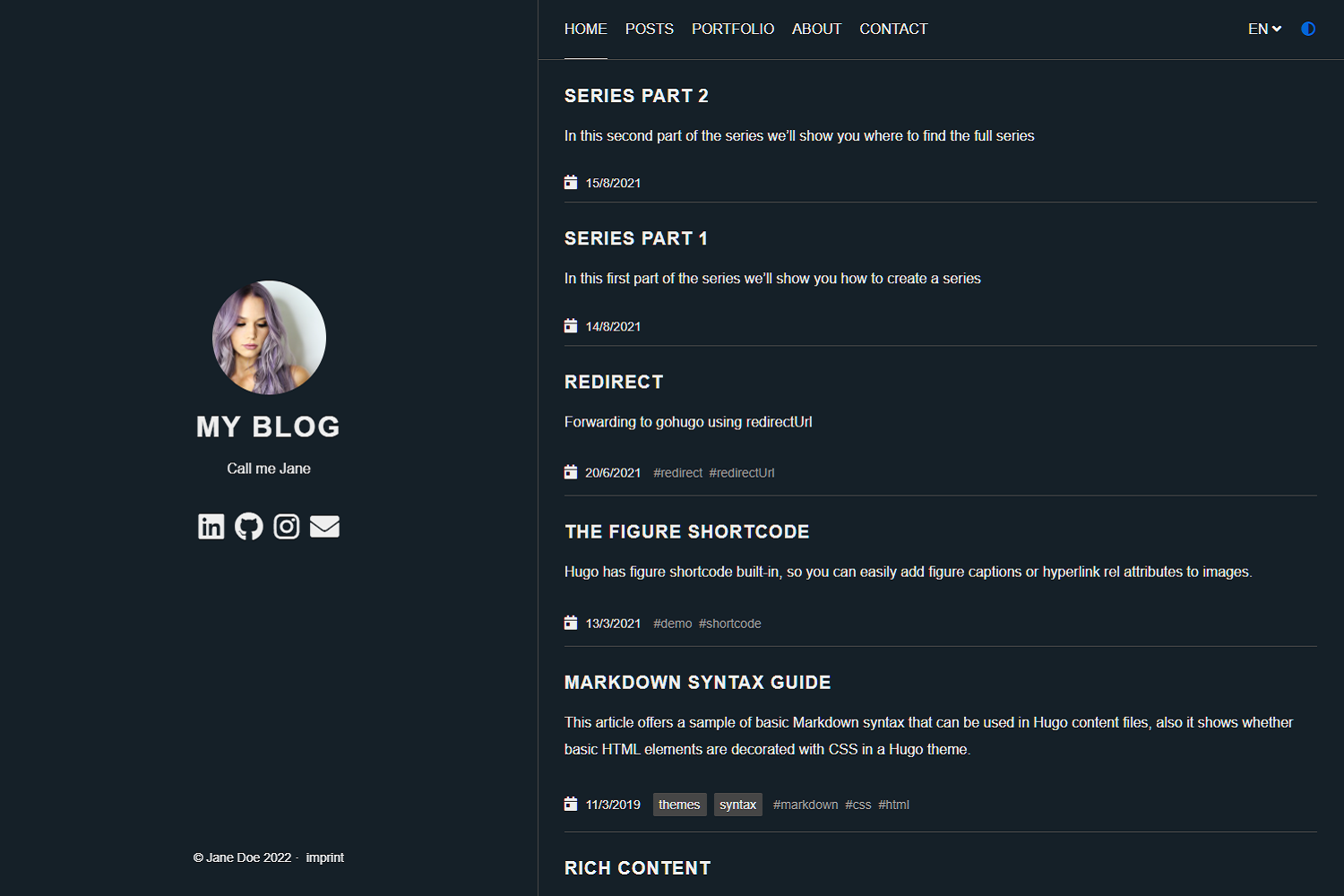 ## Demo - +A live demo of the theme can be found under the following domain: [https://anatole-demo.netlify.app/](https://anatole-demo.netlify.app/) ## Features -Anatole's aims to be minimalistic and sleek but still brings some great functionality. - -### Features include +Anatole's aims to be minimalistic and sleek but still brings some great functionality, including: - Profile picture and slogan - Dark mode @@ -22,8 +20,8 @@ - Portfolio (optional) - Post Thumbnails (optional) - 100⁄100 Google Lighthouse score -- Google Analytics (optional) -- Comments powered by Disqus, Commento or Utteranc.es (optional) +- Analytics powered by Google Analytics, Simple Analytics and Umami (optional) +- Comments powered by Disqus, Commento, Gitalk or Utteranc.es (optional) - SimpleAnalytics (optional) - Katex support (optional) - Formspree Contact Form (optional) @@ -44,20 +42,6 @@ hugo server --themesDir ../.. ``` -## Quick Start - -1. Add the repository into your Hugo Project repository as a submodule: `git submodule add https://github.com/lxndrblz/anatole.git themes/anatole`. -2. Configure your `config.toml`. Feel free to copy the demo `config.toml` and some content from the exampleSite. -3. Build your site with `hugo serve` and admire the result at `http://localhost:1313/`. - -## Update your installation - -If you want to get the latest update of the `Anatole` theme, please execute this command: - -```shell -git submodule update --remote --merge -``` - ## Documentation The latest documentation for the theme can be found within the [Wiki Tab](https://github.com/lxndrblz/anatole/wiki). -- Gitblit v1.10.0